
What is this format?
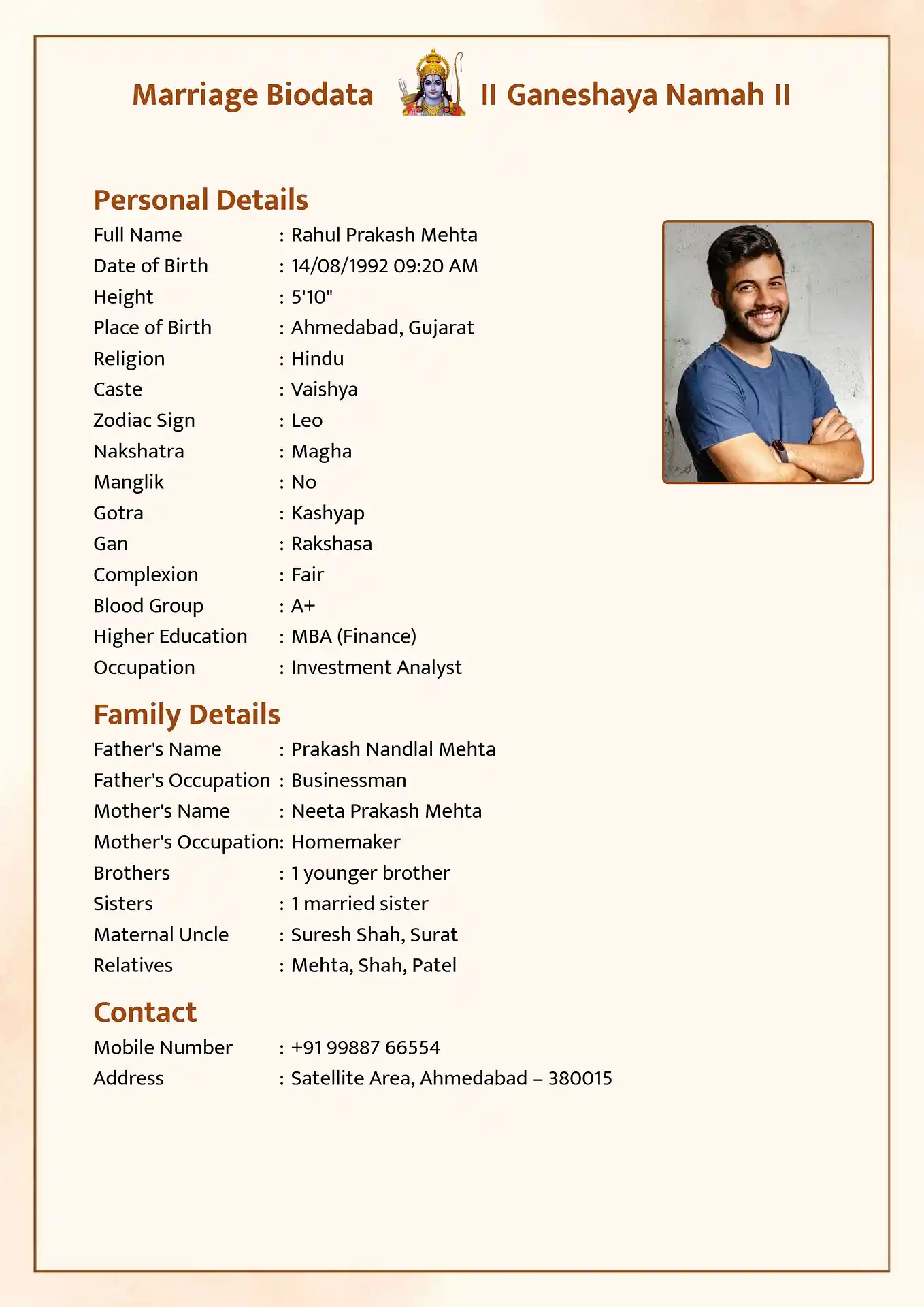
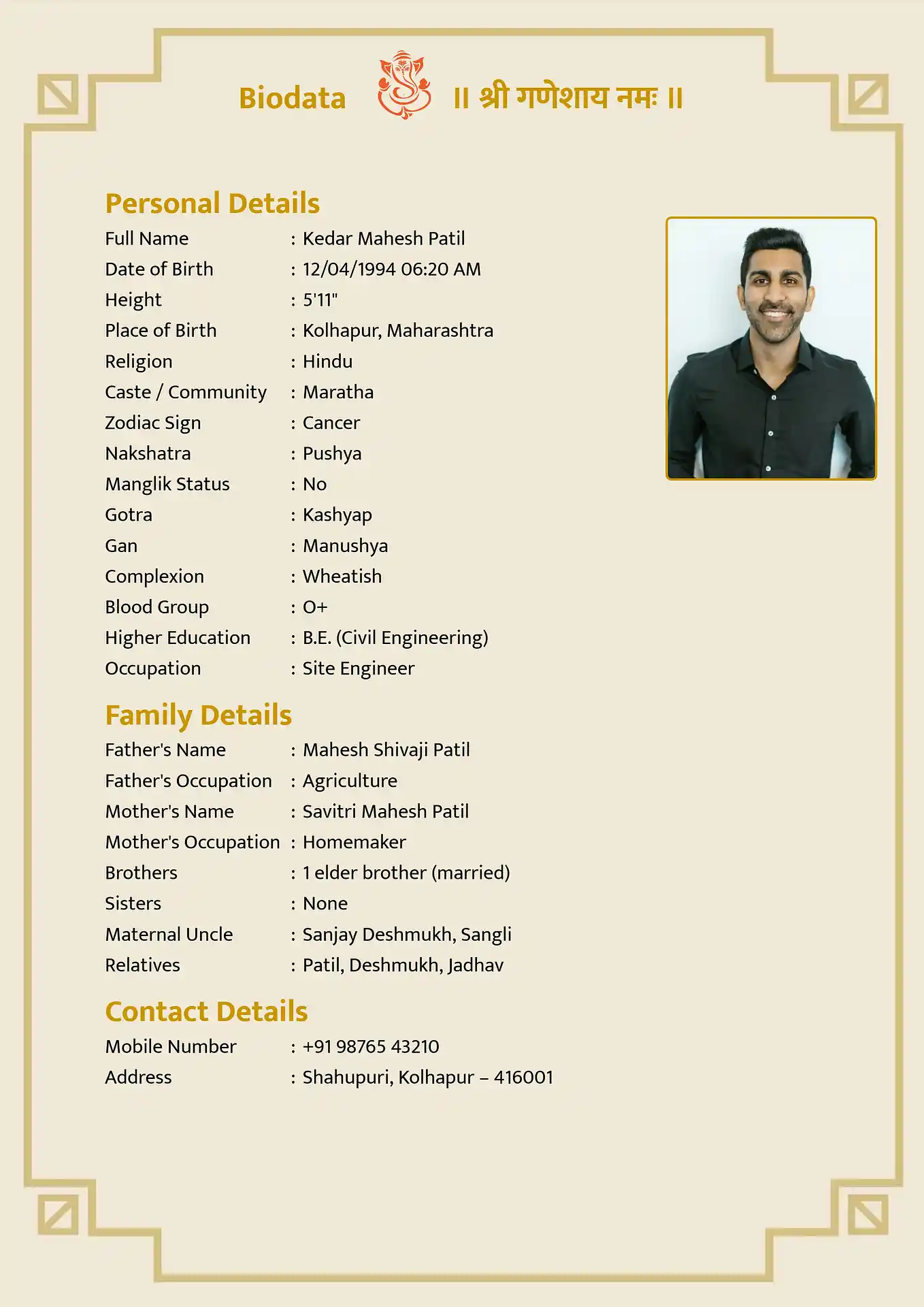
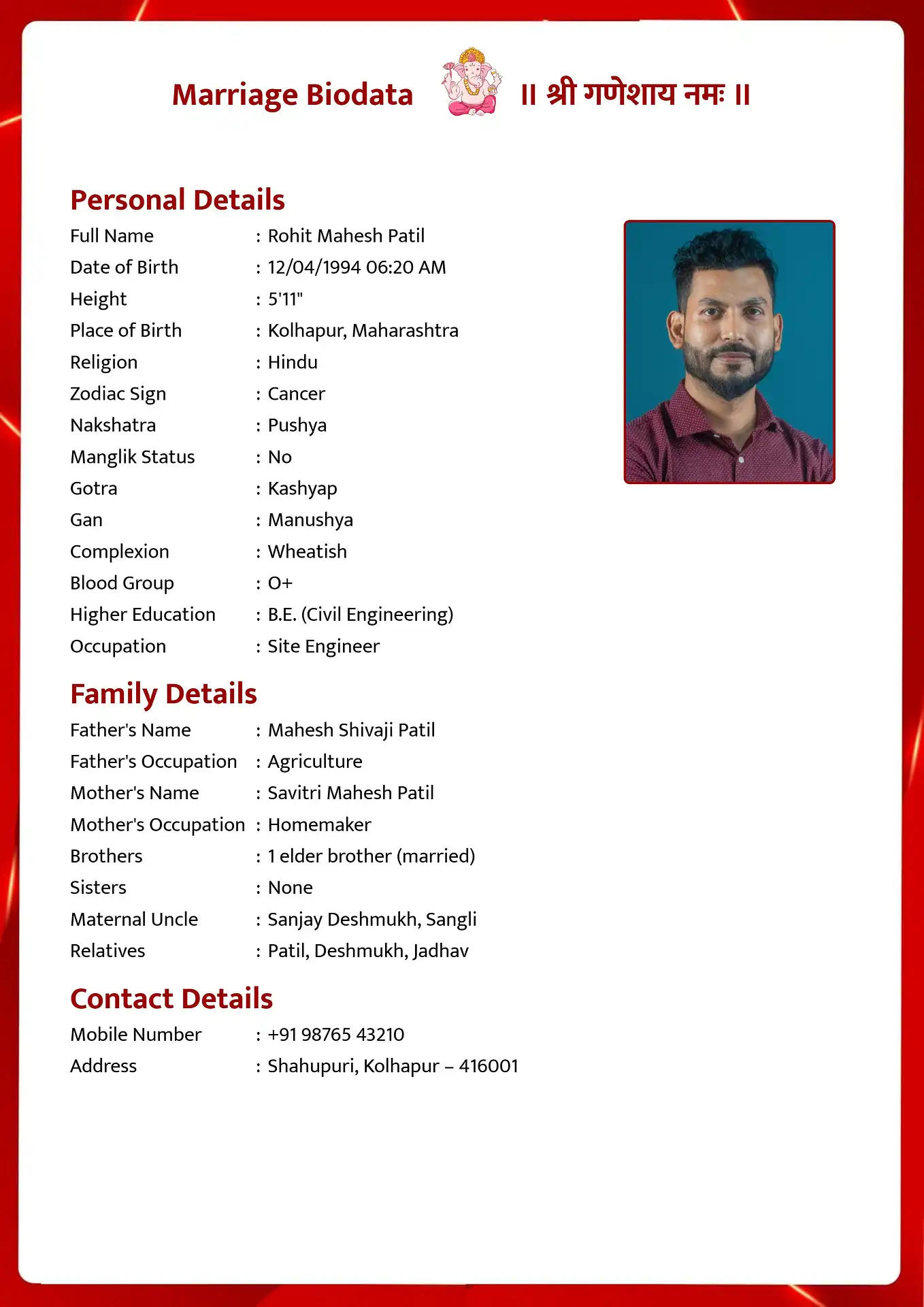
While PDFs are excellent for final sharing, having an editable document is incredibly practical. That is why offering a marriage biodata word format download is one of our most popular features. The arranged marriage process is dynamic; you might switch jobs, complete a new degree, or decide to add extra family details as advised by relatives. Having an editable Microsoft Word (DOCX) file ensures you are always prepared to update your profile without having to recreate it from scratch.
When you use our platform, you don't just get a blank Word template. You use our intuitive web interface to quickly build your profile, select a beautiful design, and then export the finalized layout as a Word document. This means all the complex formatting—the borders, the perfectly aligned columns, and the embedded photo—are already structured for you inside Word.
A marriage biodata word format download gives ultimate control to parents and candidates. If a specific family requests additional astrological details like Nadi or Gan, you can simply open the DOCX file on your laptop, add a quick bullet point, and save it. It empowers you to maintain a professional standard while enjoying the flexibility of a standard word processor.
Why use MakeMarriageBiodata.com?
- Ultimate Flexibility: Easily update your occupation, age, or contact details offline using Microsoft Word or Google Docs.
- Pre-Formatted Layouts: Our engine generates Word documents that retain the beautiful borders, fonts, and photo placements of the original web template.
- No Special Software Needed: Since it outputs standard DOCX format, you can open and edit it on any PC, Mac, or smartphone equipped with a basic word processor.
- Free to Download: Like our PDFs, the marriage biodata word format download is completely free and requires no subscription.
- Parent-Friendly: Older family members who are comfortable with MS Word can easily review and make textual tweaks before sending the profile to a matchmaker.
Sample Biodata Structure
How to Edit Your Word Biodata
- Step 1: Create your biodata online using our free maker.
- Step 2: Click the 'Download Word (DOCX)' button on the preview screen.
- Step 3: Open the downloaded file in Microsoft Word, Google Docs, or Apple Pages.
- Step 4: Click on any text to modify names, dates, or add new sections as needed.
- Step 5: Save and export as a PDF from Word when ready to share.
How it works
Select your preferred language (Marathi, Hindi, English, etc.) to start your biodata.
Easily enter your personal, family, and educational background in our simple form.
Preview your design and instantly download it in PDF, Word, or Image format.
Frequently Asked Questions
Is the Word format fully editable?
Yes, every text field in the downloaded DOCX file can be edited, deleted, or expanded using standard word processing software.
Will the design break if I edit the text?
We use robust tables and formatting structures within the Word file to ensure that adding or removing text won't easily break the beautiful layout.
Can I open the Word file on my phone?
Yes, you can open and edit the DOCX file using apps like Microsoft Office Mobile, Google Docs, or Apple Pages on your smartphone.
Is it free to download the Word format?
Yes, generating and downloading the editable Word format is completely free.
Can I change the photo in the Word document?
Absolutely. You can click on the photo within Word, select 'Change Picture', and swap it with a new photograph.