
What is this format?
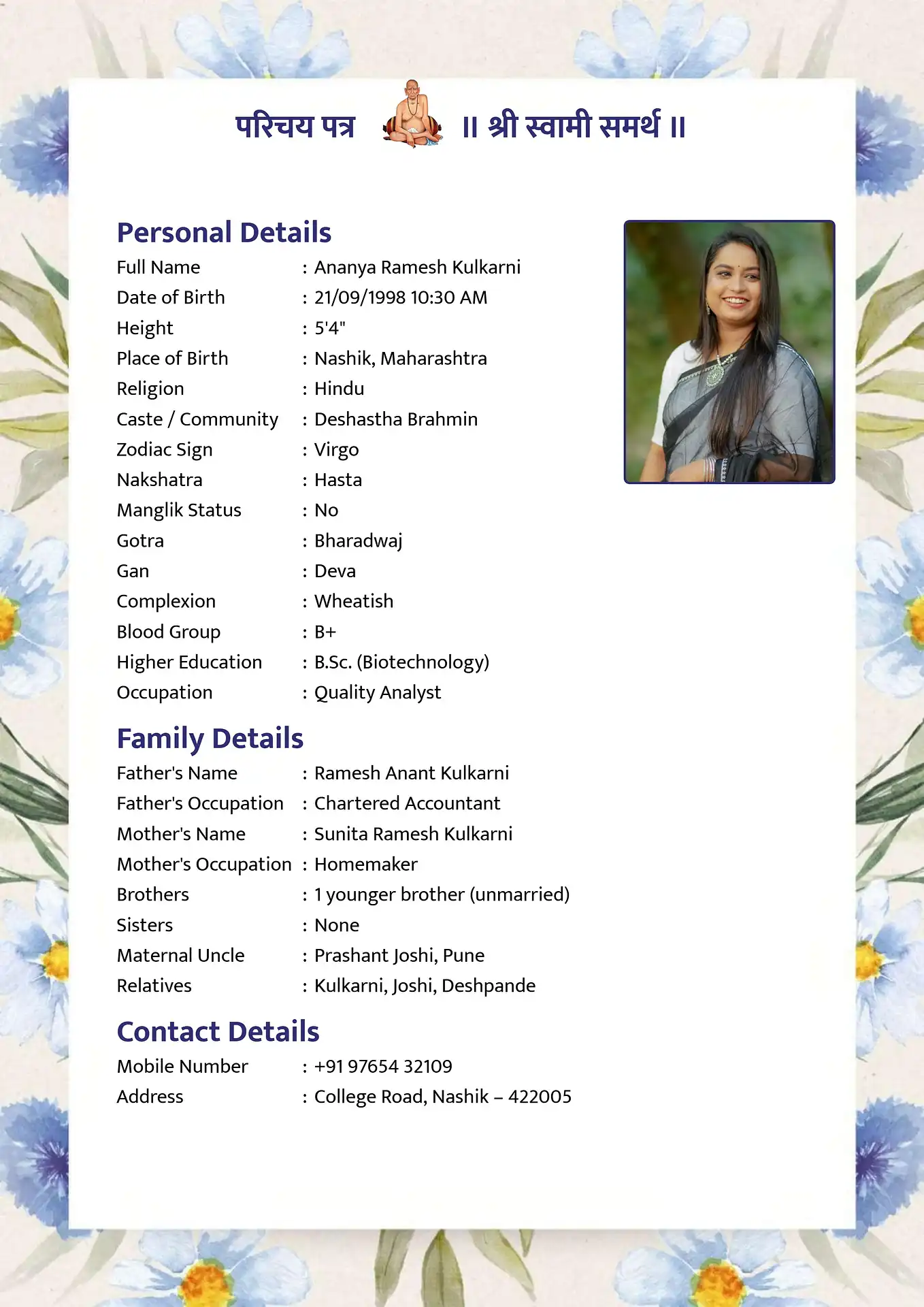
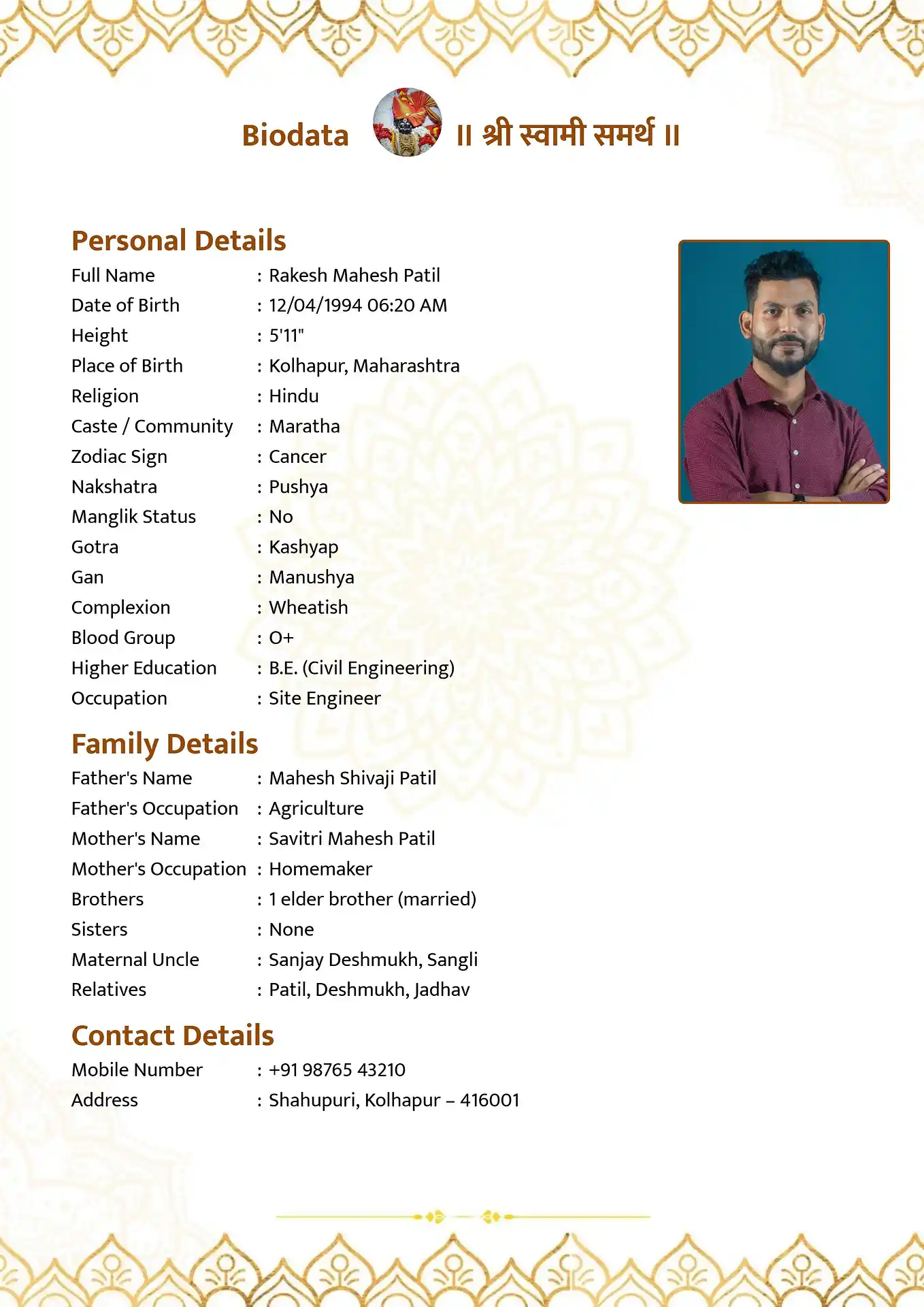
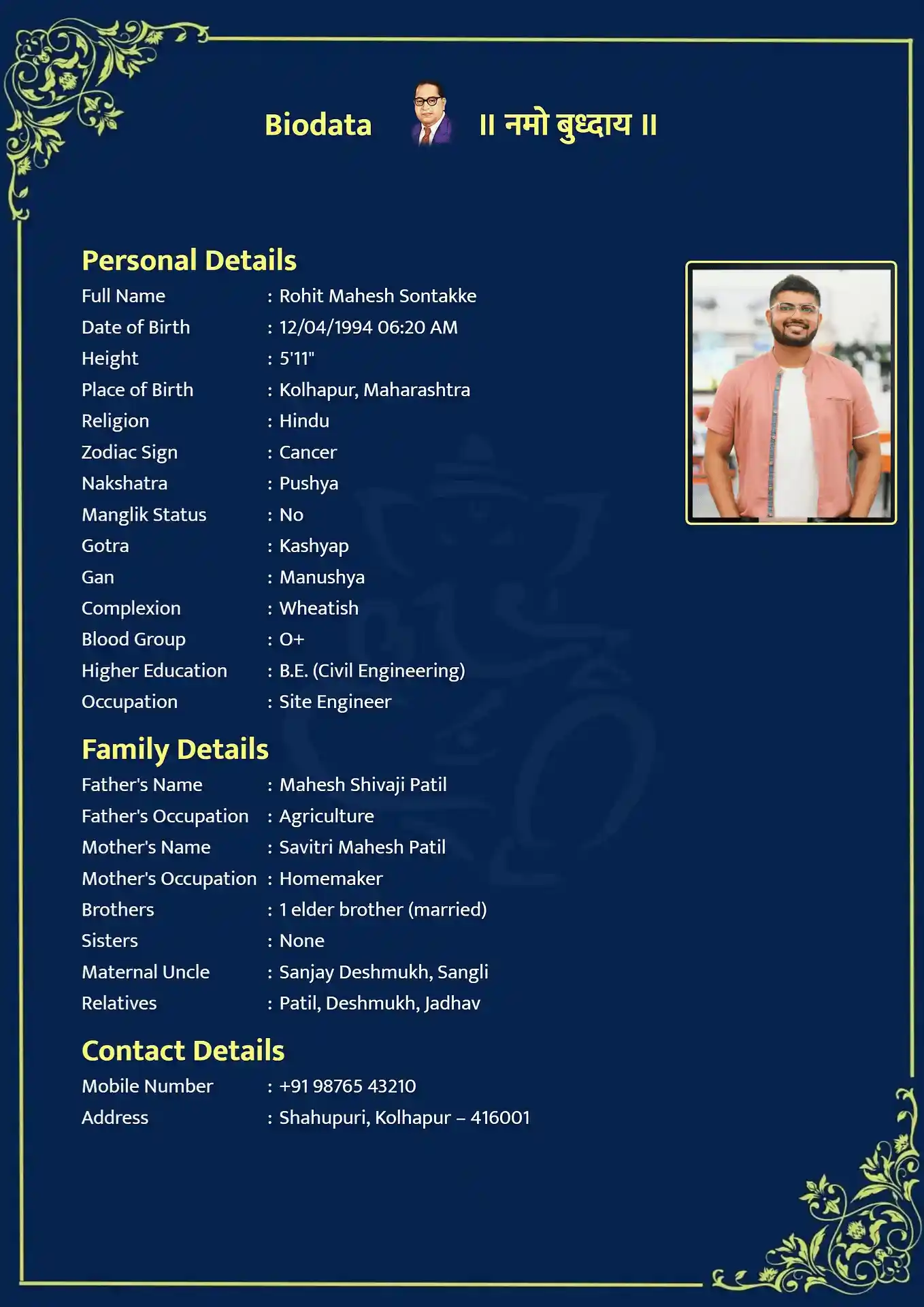
In the realm of arranged marriages, the first impression is heavily reliant on visual presentation. Creating a marriage biodata with photo is no longer optional; it is the absolute standard. Families receive numerous text-only profiles, which can easily blend together. Attaching a high-quality, welcoming photograph immediately humanizes your profile, making it memorable and establishing an instant connection with the prospective family.
However, manually formatting a marriage biodata with photo using standard word processors can be incredibly frustrating. Images jump around the page, text gets misaligned, and cropping a photo into a perfect circle or a neat rounded square is a headache for those without graphic design skills. A poorly formatted image can ruin an otherwise perfect profile, making it look unprofessional and rushed.
Our specialized online tool solves this problem instantly. By utilizing our platform, you can simply upload your favorite portrait directly from your phone or computer. Our smart engine automatically centers, crops, and frames the image perfectly within your chosen template. Whether you prefer a classic side-aligned photograph or a modern centered circular portrait, your biodata will look like it was crafted by a professional designer.
Why use MakeMarriageBiodata.com?
- Automatic Photo Cropping: Simply upload any image. Our software automatically crops it into a perfect circle or rectangle to fit the design flawlessly.
- Seamless Integration: Stop fighting with MS Word layout issues. Our templates naturally integrate your photo alongside your personal details without breaking the text flow.
- High-Resolution Output: The final PDF generated maintains the high quality of your uploaded photograph, ensuring you look great on both screens and printed paper.
- Privacy Protection: Your photograph is processed locally in your browser. We do not save or store your images on our servers.
- Multiple Photo Layouts: Choose from various aesthetic templates that position your photo at the top center, top right, or within an elegant dedicated frame.
Sample Biodata Structure
Tips for the Perfect Biodata Photo
- Lighting: Ensure your face is well-lit, preferably with natural daylight. Avoid harsh shadows.
- Background: Use a clean, uncluttered background. Solid colors or natural outdoor bokeh work best.
- Attire: Wear neat, culturally appropriate, or smart-casual clothing that reflects your personality.
- Expression: A warm, natural smile makes your profile instantly more approachable and friendly.
- Resolution: Upload a clear, high-resolution portrait. Avoid heavily filtered or group photos.
How it works
Select your preferred language (Marathi, Hindi, English, etc.) to start your biodata.
Easily enter your personal, family, and educational background in our simple form.
Preview your design and instantly download it in PDF, Word, or Image format.
Frequently Asked Questions
How do I add a photo to my biodata?
In our biodata maker, simply click the 'Upload Photo' button in the Personal Details section and select an image from your device. We handle the cropping and formatting automatically.
Is my photo stored on your website?
No. Your photo and personal details are processed locally in your web browser. We respect your privacy and do not save your data on our servers.
Can I change the photo later?
Yes. You can click 'Change Photo' at any point before downloading, or you can download the editable Word version and swap the picture offline.
Will the photo print clearly?
Yes, our PDFs are generated at a high resolution (300 DPI), ensuring your photo prints crisply on standard A4 paper.
Is it free to create a biodata with a photo?
Absolutely! Adding a photo and downloading your beautiful biodata is 100% free with no watermarks.